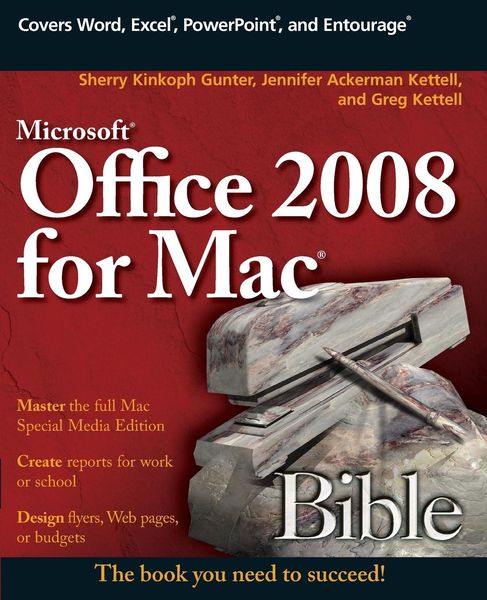
• Produktbild: Microsoft Office 2008 for Mac Bible
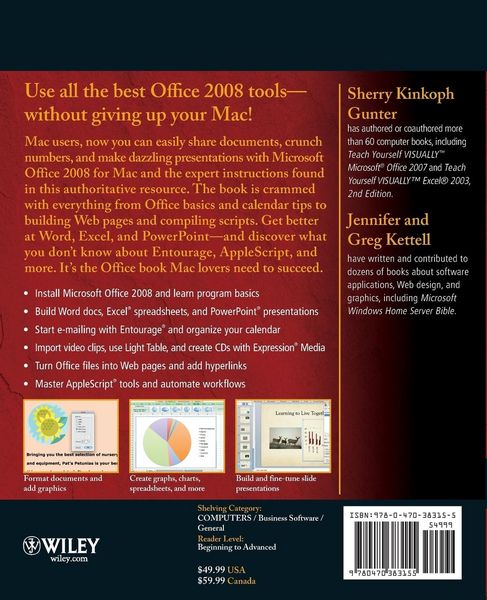
  • Produktbild: Microsoft Office 2008 for Mac Bible
Band 1

Microsoft Office 2008 for Mac Bible

Aus der Reihe Bible

47,99 €

inkl. gesetzl. MwSt., Versandkostenfrei


Beschreibung

Produktdetails

Einband

Taschenbuch

Erscheinungsdatum

01.04.2009

Abbildungen

Screen captures: 600 B&W, 0 Color

Verlag

John Wiley & Sons Inc

Seitenzahl

1032

Maße (L/B/H)

23,5/19,1/5,5 cm

Gewicht

1885 g

Auflage

1. Auflage

Sprache

Englisch

ISBN

978-0-470-38315-5

Beschreibung

Produktdetails

Einband

Taschenbuch

Erscheinungsdatum

01.04.2009

Abbildungen

Screen captures: 600 B&W, 0 Color

Verlag

John Wiley & Sons Inc

Seitenzahl

1032

Maße (L/B/H)

23,5/19,1/5,5 cm

Gewicht

1885 g

Auflage

1. Auflage

Sprache

Englisch

ISBN

978-0-470-38315-5

Herstelleradresse

Libri GmbH
Europaallee 1
36244 Bad Hersfeld
DE

Email: GPSR Kontakt

Noch keine Bewertungen vorhanden

Verfassen Sie die erste Bewertung zu diesem Artikel

Helfen Sie anderen Kundinnen und Kunden durch Ihre Meinung.

Kundinnen und Kunden meinen

Bewertungen (0)

Die Leseprobe wird geladen.
  • Produktbild: Microsoft Office 2008 for Mac Bible
  • Produktbild: Microsoft Office 2008 for Mac Bible
  • About the Authors v

    Preface vii

    Acknowledgments ix

    Part I: Getting to Know Office 2008 1

    Chapter 1: Introducing the New Office 3

    Chapter 2: Installing Office 2008 15

    Chapter 3: Office 2008 Program Basics 31

    Chapter 4: Finding Help with Office 2008 49

    Part II: Working with Word 63

    Chapter 5: Word Basics 65

    Chapter 6: Building Word Documents 97

    Chapter 7: Formatting Word Text 145

    Chapter 8: Adding Tables 177

    Chapter 9: Editing Lengthy Documents 209

    Chapter 10: Collaborating on Documents 259

    Chapter 11: Proofing and Printing Documents 273

    Part III: Using Excel 297

    Chapter 12: Excel Basics 299

    Chapter 13: Entering and Editing Data 325

    Chapter 14: Formatting Data and Worksheets 381

    Chapter 15: Using Formulas and Functions 413

    Chapter 16: Creating Charts 443

    Chapter 17: Using the Excel Database Tools 479

    Chapter 18: Proofing, Printing, and Collaborating in Excel 513

    Part IV: Presenting with PowerPoint 535

    Chapter 19: PowerPoint Basics 537

    Chapter 20: Building Presentations 561

    Chapter 21: Formatting Slides 589

    Chapter 22: Fine-tuning a Presentation 609

    Chapter 23: Preparing and Presenting a Slide Show 635

    Part V: Working with Entourage 661

    Chapter 24: Entourage Basics 663

    Chapter 25: E-mailing with Entourage 677

    Chapter 26: Organizing Your Calendar 725

    Chapter 27: Tracking Tasks, Notes, and Projects 753

    Part VI: Organizing Digital Media with Expression Media 787

    Chapter 28: Introducing Expression Media 789

    Chapter 29: Working with Catalogs 815

    Part VII: Working with Office Graphics and Web Features 831

    Chapter 30: Adding Graphics 833

    Chapter 31: Creating Web Content 865

    Chapter 32: Using Microsoft Messenger 873

    Part VIII: Coordinating and Customizing Your Office 897

    Chapter 33: Coordinating Projects 899

    Chapter 34: Customizing Office 913

    Chapter 35: Working with AppleScript 935

    Index 957