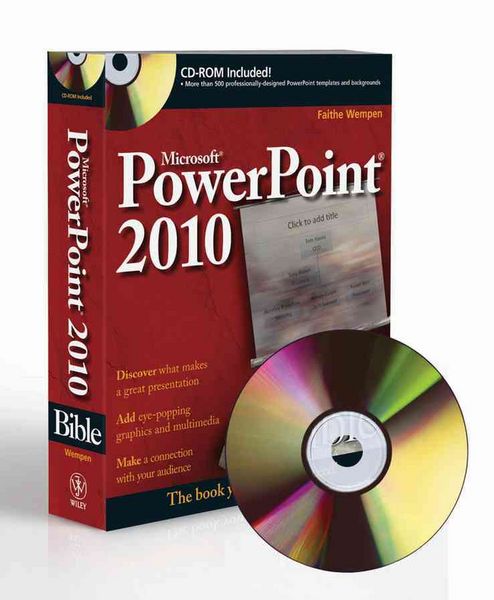
Microsoft PowerPoint 2010 Bible
-
- Taschenbuch ausgewählt
- eBook
-
Sprache:Englisch
37,99 €
inkl. gesetzl. MwSt.,
Beschreibung
Produktdetails
Einband
Taschenbuch
Erscheinungsdatum
10.05.2010
Verlag
John Wiley & SonsSeitenzahl
816
Maße (L/B/H)
23,6/19,2/5,2 cm
Gewicht
1239 g
Auflage
3rd edition
Sprache
Englisch
ISBN
978-0-470-59186-4
It's no longer enough to have slide after slide of text, bullets, and charts. It's not even enough to have good speaking skills if your PowerPoint slides bore your audience. Get the very most out of all that PowerPoint 2010 has to offer while also learning priceless tips and techniques for making good presentations in this new PowerPoint 2010 Bible. Well-known PowerPoint expert and author Faithe Wempen provides formatting tips; shows you how to work with drawings, tables, and SmartArt; introduces new collaboration tools; walks you through five special presentation labs; and more.
Coverage includes:
* A First Look at PowerPoint
* What Makes a Great Presentation?
* Creating and Saving Presentation Files
* Creating Slides and Text Boxes
* Working with Layouts, Themes, and Masters
* Formatting Paragraphs and Text Boxes
* Correcting and Improving Text
* Creating and Formatting Tables
* Drawing and Formatting Objects
* Creating SmartArt Diagrams
* Using and Organizing Clip Art
* Working with Photographic Images
* Working with Charts
* Incorporating Content from Other Programs
* Adding Sound Effects, Music, and Soundtracks
* Incorporating Motion Video
* Creating Animation Effects and Transitions
* Creating Support Materials
* Preparing for a Live Presentation
* Designing User-Interactive or Self-Running Presentations
* Preparing a Presentation for Mass Distribution
* Sharing and Collaborating
* Customizing PowerPoint
* Presenting Content Without Bulleted Lists
* Adding Sound and Movement to a Presentation
* Creating a Menu-Based Navigation System
* Creating a Classroom Game
It's the book you need to succeed with PowerPoint 2010 and your next live presentation!
Noch keine Bewertungen vorhanden
Verfassen Sie die erste Bewertung zu diesem Artikel
Helfen Sie anderen Kundinnen und Kunden durch Ihre Meinung.
Kurze Frage zu unserer Seite
Vielen Dank für Ihr Feedback
Wir nutzen Ihr Feedback, um unsere Produktseiten zu verbessern. Bitte haben Sie Verständnis, dass wir Ihnen keine Rückmeldung geben können. Falls Sie Kontakt mit uns aufnehmen möchten, können Sie sich aber gerne an unseren Kund*innenservice wenden.
zum Kundenservice