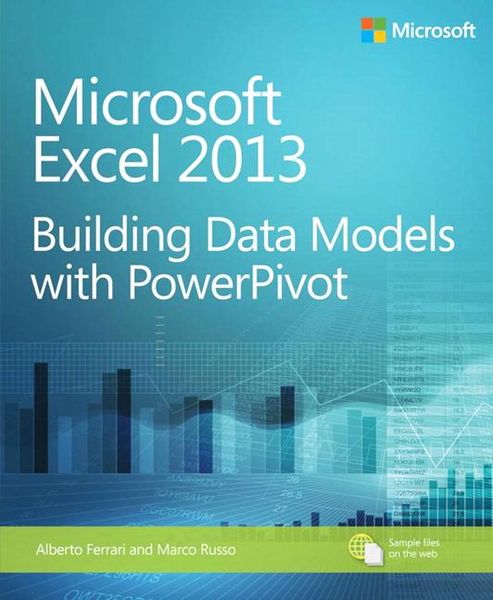
Microsoft Excel 2013 Building Data Models with Powerpivot
-
- Englisch ausgewählt
37,99 €
inkl. gesetzl. MwSt.,
Beschreibung
Produktdetails
Einband
Taschenbuch
Erscheinungsdatum
15.03.2013
Abbildungen
w. ill.
Verlag
Microsoft Press Corp.Seitenzahl
512
Maße (L/B/H)
22,8/18,9/3 cm
Gewicht
853 g
Auflage
1st. ed.
Sprache
Englisch
ISBN
978-0-7356-7634-3
Your guide to quickly turn data into results.
Transform your skills, data, and business—and create your own BI solutions using software you already know and love: Microsoft Excel. Two business intelligence (BI) experts take you inside PowerPivot functionality for Excel¿ 2013, with a focus on real world scenarios, problem-solving, and data modeling. You'll learn how to quickly turn mass quantities of data into meaningful information and on-the-job results—no programming required!
- Understand the differences between PowerPivot for Self Service BI and SQL Server Analysis Services for Corporate BI
- Extend your existing data-analysis skills to create your own BI solutions
- Quickly manipulate large data sets, often in millions of rows
- Perform simple-to-sophisticated calculations and what-if analysis
- Create complex reporting systems with data modeling and Data Analysis Expressions
- Share your results effortlessly across your organization using Microsoft SharePoint¿
Noch keine Bewertungen vorhanden
Verfassen Sie die erste Bewertung zu diesem Artikel
Helfen Sie anderen Kundinnen und Kunden durch Ihre Meinung.
Kurze Frage zu unserer Seite
Vielen Dank für Ihr Feedback
Wir nutzen Ihr Feedback, um unsere Produktseiten zu verbessern. Bitte haben Sie Verständnis, dass wir Ihnen keine Rückmeldung geben können. Falls Sie Kontakt mit uns aufnehmen möchten, können Sie sich aber gerne an unseren Kund*innenservice wenden.
zum Kundenservice