Beschreibung
Produktdetails
Einband
Taschenbuch
Erscheinungsdatum
13.12.2013
Abbildungen
mit Illustrationen
Verlag
John Wiley & Sons IncSeitenzahl
1056
Maße (L/B/H)
18,7/23,2/4,8 cm
Gewicht
1772 g
Auflage
1. Auflage
Sprache
Englisch
ISBN
978-1-118-82087-2
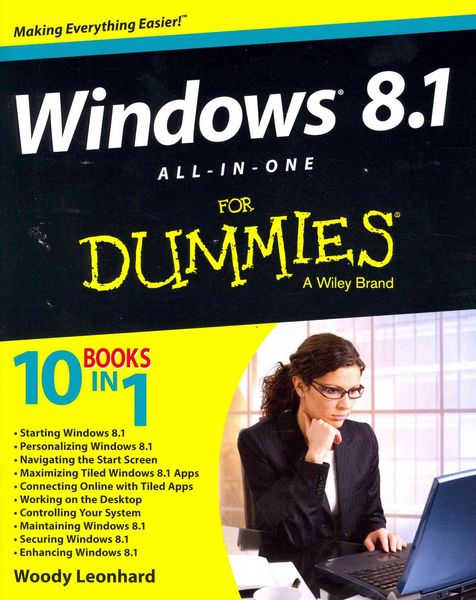
Ten minibooks in one get you thoroughly caught up on Windows 8.1!
With new improvements and changes, Windows 8.1 offers a refreshed user interface, better integration between the new and traditional Windows interfaces, and more. This updated top-selling guide is what you need to get up to speed on everything Windows 8.1. Nine minibooks in one cover such essential topics as navigating the new Start Screen, understanding Windows 8.1 apps, securing Windows 8.1, and much more. Take the guesswork out of Windows 8.1 from day one with this complete, all-in-one resource.
* Helps you get up to speed on the Windows 8.1 operating system, including its Start Screen, which is a feature sure to please traditional Windows users
* Provides top-notch guidance from trusted and well-known Windows expert and author Woody Leonhard
* Covers Windows 8.1 inside and out, including how to customize the Start screen, manage apps, and control privacy
* Delves into core Windows 8.1 apps such as e-mail, people, and SkyDrive
* Shows you how to connect online, add hardware, back up and update, and secure Windows 8.1
Discover new improvements, old favorites, and everything in between with Windows 8.1 All-in-One For Dummies.
With new improvements and changes, Windows 8.1 offers a refreshed user interface, better integration between the new and traditional Windows interfaces, and more. This updated top-selling guide is what you need to get up to speed on everything Windows 8.1. Nine minibooks in one cover such essential topics as navigating the new Start Screen, understanding Windows 8.1 apps, securing Windows 8.1, and much more. Take the guesswork out of Windows 8.1 from day one with this complete, all-in-one resource.
* Helps you get up to speed on the Windows 8.1 operating system, including its Start Screen, which is a feature sure to please traditional Windows users
* Provides top-notch guidance from trusted and well-known Windows expert and author Woody Leonhard
* Covers Windows 8.1 inside and out, including how to customize the Start screen, manage apps, and control privacy
* Delves into core Windows 8.1 apps such as e-mail, people, and SkyDrive
* Shows you how to connect online, add hardware, back up and update, and secure Windows 8.1
Discover new improvements, old favorites, and everything in between with Windows 8.1 All-in-One For Dummies.
Noch keine Bewertungen vorhanden
Verfassen Sie die erste Bewertung zu diesem Artikel
Helfen Sie anderen Kundinnen und Kunden durch Ihre Meinung.
Kurze Frage zu unserer Seite
Vielen Dank für Ihr Feedback
Wir nutzen Ihr Feedback, um unsere Produktseiten zu verbessern. Bitte haben Sie Verständnis, dass wir Ihnen keine Rückmeldung geben können. Falls Sie Kontakt mit uns aufnehmen möchten, können Sie sich aber gerne an unseren Kund*innenservice wenden.
zum Kundenservice