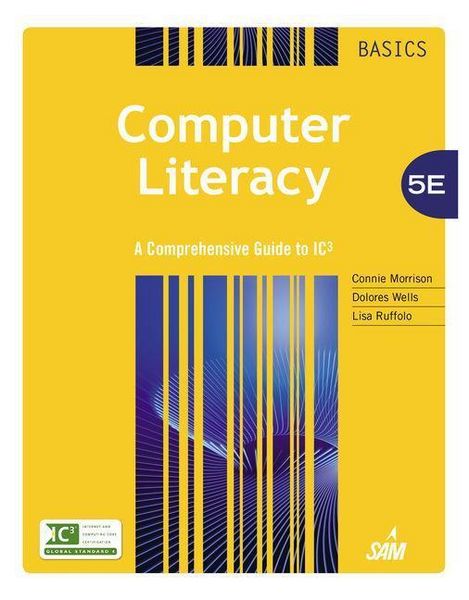
Produktbild: Computer Literacy Basics

Computer Literacy Basics A Comprehensive Guide to IC3

279,99 €

inkl. gesetzl. MwSt., Versandkostenfrei


Beschreibung

Produktdetails

Einband

Gebundene Ausgabe

Erscheinungsdatum

26.03.2014

Verlag

Cengage Learning

Seitenzahl

912

Maße (L/B/H)

27,7/22,6/4,6 cm

Gewicht

2430 g

Auflage

5th edition

Sprache

Englisch

ISBN

978-1-285-75995-1

Beschreibung

Produktdetails

Einband

Gebundene Ausgabe

Erscheinungsdatum

26.03.2014

Verlag

Cengage Learning

Seitenzahl

912

Maße (L/B/H)

27,7/22,6/4,6 cm

Gewicht

2430 g

Auflage

5th edition

Sprache

Englisch

ISBN

978-1-285-75995-1

Herstelleradresse

Libri GmbH
Europaallee 1
36244 Bad Hersfeld
DE

Email: gpsr@libri.de

Kundinnen und Kunden meinen

0 Bewertungen

Informationen zu Bewertungen

Zur Abgabe einer Bewertung ist eine Anmeldung im Konto notwendig. Die Authentizität der Bewertungen wird von uns nicht überprüft. Wir behalten uns vor, Bewertungstexte, die unseren Richtlinien widersprechen, entsprechend zu kürzen oder zu löschen.

Die Bewertungen sind nach Format, Anzahl Sterne und Datum sortiert.

Verfassen Sie die erste Bewertung zu diesem Artikel

Helfen Sie anderen Kund*innen durch Ihre Meinung

Kundinnen und Kunden meinen

0 Bewertungen filtern

  • Produktbild: Computer Literacy Basics
  • MODULE 1 Computing Fundamentals.
    LESSON 1: Computers and Operating Systems.
    LESSON 2: Software and Hardware Interaction.
    LESSON 3: Windows File Management.
    LESSON 4: Operating System Customization.
    LESSON 5: Computer Hardware.
    LESSON 6: Classifying and Evaluating Computers.
    LESSON 7: Software Management.
    LESSON 8: Software Usage.
    LESSON 9: Computer Troubleshooting.
    LESSON 10: Data and Hardware Protection.
    Computing Fundamentals IC3 Pretest.
    MODULE 2 KEY APPLICATIONS.
    LESSON 11: Exploring Microsoft Office 2013.
    LESSON 12: Getting Started with Word essentials.
    LESSON 13: Editing and Formatting Documents.
    LESSON 14: Sharing Documents.
    LESSON 15: Working with tables.
    LESSON 16: Enhancing Documents.
    LESSON 17: Working with Graphics.
    LESSON 18: Getting Started with Excel Essentials.
    LESSON 19: Organizing and Enhancing Worksheets.
    LESSON 20: Creating Formulas and Charting Data.
    LESSON 21: Getting Started with PowerPoint Essentials.
    LESSON 22: Enhancing Presentations with Multimedia Effects.
    LESSON 23: Getting Started with Access essentials.
    LESSON 24: Managing and Reporting Database Information.
    Key Applications IC3 Pretest.
    MODULE 3 LIVING ONLINE.
    LESSON 25: Network Fundamentals.
    LESSON 26: Communication Services.
    LESSON 27: Communications and Collaboration.
    LESSON 28: Using the Internet and the World Wide Web.
    LESSON 29: Web Content.
    LESSON 30: Technology and Society.
    LESSON 31: Computer Safety and Ethics.
    Living Online IC3 Pretest.
    APPENDIX A: Using Windows 7.
    APPENDIX B: A Comprehensive Guide to IC3.
    GLOSSARY.
    INDEX.