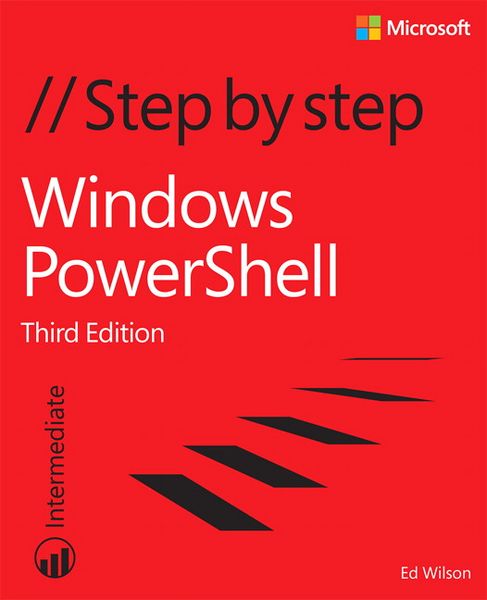
Windows PowerShell Step by Step
-
- Taschenbuch ausgewählt
- eBook
-
Sprache:Englisch
49,99 €
UVP
56,99 €
inkl. gesetzl. MwSt.,
Beschreibung
Produktdetails
Einband
Taschenbuch
Erscheinungsdatum
22.10.2015
Verlag
Pearson Education LimitedSeitenzahl
656
Maße (L/B/H)
22,9/18,7/3,6 cm
Gewicht
1043 g
Auflage
3
Sprache
Englisch
ISBN
978-0-7356-7511-7
Your hands-on guide to Windows PowerShell scripting fundamentals
Expand your expertise--and teach yourself the fundamentals of Windows PowerShell scripting, including features available in Windows PowerShell 5. If you are an IT professional, power user, or consultant, you’ll get the guidance, exercises, and code you need to master core techniques for automating Windows setup, deployment, and management.
Discover how to:
- Run cmdlets and command-line utilities
- Administer Windows-based servers and desktops with built-in cmdlets
- Use providers to access external information
- Write and run scripts from the Windows ISE
- Create functions that are easy to maintain
- Build standardized environments with profiles
- Automate Windows systems with WMI, CIM cmdlets, and remoting
- Automate Active Directory Domain Services (AD DS)
- Debug scripts and handle errors
- Run commands that survive interruptions
- Use Desired State Configuration (DSC) to manage software services and their environments
- Get powerful new modules from PowerShell Gallery
About You
This book is for:
- IT professionals and power users who want to get productive with Windows PowerShell, including new features in Windows PowerShell 5
- Windows system administrators who want to be more efficient and productive
Anyone pursuing Windows PowerShell certifications
No experience with Windows PowerShell or other scripting technologies necessary
Noch keine Bewertungen vorhanden
Verfassen Sie die erste Bewertung zu diesem Artikel
Helfen Sie anderen Kundinnen und Kunden durch Ihre Meinung.
Kurze Frage zu unserer Seite
Vielen Dank für Ihr Feedback
Wir nutzen Ihr Feedback, um unsere Produktseiten zu verbessern. Bitte haben Sie Verständnis, dass wir Ihnen keine Rückmeldung geben können. Falls Sie Kontakt mit uns aufnehmen möchten, können Sie sich aber gerne an unseren Kund*innenservice wenden.
zum Kundenservice