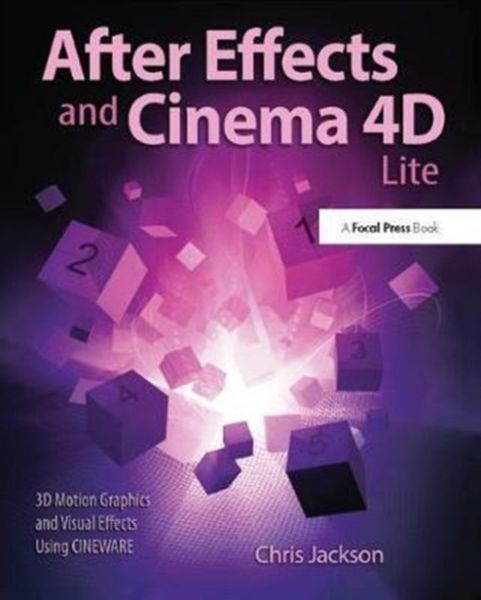
After Effects and Cinema 4D Lite 3D Motion Graphics and Visual Effects Using Cineware
-
- Hardcover ausgewählt
- Taschenbuch
- eBook
-
Sprache:Englisch
234,99 €
UVP
263,50 €
inkl. gesetzl. MwSt.,
Beschreibung
Produktdetails
Einband
Gebundene Ausgabe
Erscheinungsdatum
11.07.2017
Verlag
Taylor & FrancisSeitenzahl
316
Maße (L/B)
23,5/19,1 cm
Gewicht
740 g
Sprache
Englisch
ISBN
978-1-138-40141-9
Pocket Guide to Gene Level Diagnostics in Clinical Practice is an abbreviated, pocket-size, quick-reference guide that provides a point-by-point synopsis of the vast wealth of information contained in CRC Handbook of Gene Level Diagnostics in Clinical Practice. All sections and subsections in the Pocket Guide are cross-referenced to corresponding pages in the Handbook. The book works well on its own as a quick reference, but also can be used in conjunction with the larger Handbook for detailed coverage and references to specific information. Pocket Guide to Gene Level Diagnostics in Clinical Practice also includes extensive supplements featuring material not included in the Handbook. These are intended to provide an up-dated, practical source of information useful to anyone involved in molecular diagnostic research and/or service. Supplements are cross-referenced to the main text of the Pocket Guide, that complement and enhance the material covered. Pocket Guide to Gene Level Diagnostics in Clinical Practice will be a handy reference for professionals and students in pathology, biotechnology, biology, and medicine.
Noch keine Bewertungen vorhanden
Verfassen Sie die erste Bewertung zu diesem Artikel
Helfen Sie anderen Kundinnen und Kunden durch Ihre Meinung.
Kurze Frage zu unserer Seite
Vielen Dank für Ihr Feedback
Wir nutzen Ihr Feedback, um unsere Produktseiten zu verbessern. Bitte haben Sie Verständnis, dass wir Ihnen keine Rückmeldung geben können. Falls Sie Kontakt mit uns aufnehmen möchten, können Sie sich aber gerne an unseren Kund*innenservice wenden.
zum Kundenservice