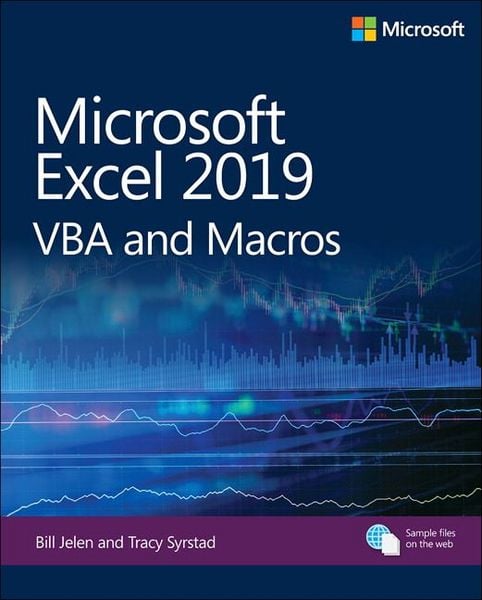
Microsoft Excel 2019 VBA and Macros
-
- Taschenbuch ausgewählt
- eBook
-
Sprache:Englisch
34,99 €
inkl. gesetzl. MwSt.,
Beschreibung
Produktdetails
Einband
Taschenbuch
Erscheinungsdatum
31.01.2019
Verlag
Pearson Education LimitedSeitenzahl
624
Maße (L/B/H)
23,5/19,5/3,4 cm
Gewicht
1171 g
Auflage
1
Sprache
Englisch
ISBN
978-1-5093-0611-4
Renowned Excel experts Bill Jelen (MrExcel) and Tracy Syrstad explain how to build more powerful, reliable, and efficient Excel spreadsheets.
Use this guide to automate virtually any routine Excel task: save yourself hours, days, maybe even weeks. Make Excel do things you thought were impossible, discover macro techniques you won’t find anywhere else, and create automated reports that are amazingly powerful. Bill Jelen and Tracy Syrstad help you instantly visualize information to make it actionable; capture data from anywhere, and use it anywhere; and automate the best new features in Excel 2019 and Excel in Office 365. You’ll find simple, step-by-step instructions, real-world case studies, and 50 workbooks packed with examples and complete, easy-to-adapt solutions.
By reading this book, you will:
- Quickly master Excel macro development
- Work more efficiently with ranges, cells, and formulas
- Generate automated reports and quickly adapt them for new requirements
- Learn to automate pivot tables to summarize, analyze, explore, and present data
- Use custom dialog boxes to collect data from others using Excel
- Improve the reliability and resiliency of your macros
- Integrate data from the internet, Access databases, and other sources
- Automatically generate charts, visualizations, sparklines, and Word documents
- Create powerful solutions with classes, collections, and custom functions
- Solve sophisticated business analysis problems more rapidly
About This Book
- For everyone who wants to get more done with Microsoft Excel in less time
- For business and financial professionals, entrepreneurs, students, and others who need to efficiently manage and analyze data
Noch keine Bewertungen vorhanden
Verfassen Sie die erste Bewertung zu diesem Artikel
Helfen Sie anderen Kundinnen und Kunden durch Ihre Meinung.
Kurze Frage zu unserer Seite
Vielen Dank für Ihr Feedback
Wir nutzen Ihr Feedback, um unsere Produktseiten zu verbessern. Bitte haben Sie Verständnis, dass wir Ihnen keine Rückmeldung geben können. Falls Sie Kontakt mit uns aufnehmen möchten, können Sie sich aber gerne an unseren Kund*innenservice wenden.
zum Kundenservice