Teach Yourself Visually Chromebook
-
- Taschenbuch ausgewählt
- eBook
-
Sprache:Englisch
27,99 €
inkl. gesetzl. MwSt.,
Beschreibung
Produktdetails
Einband
Taschenbuch
Erscheinungsdatum
24.11.2020
Verlag
John Wiley & SonsSeitenzahl
352
Maße (L/B/H)
23,4/18,8/1,8 cm
Gewicht
703 g
Auflage
1. Auflage
Sprache
Englisch
ISBN
978-1-119-76296-6
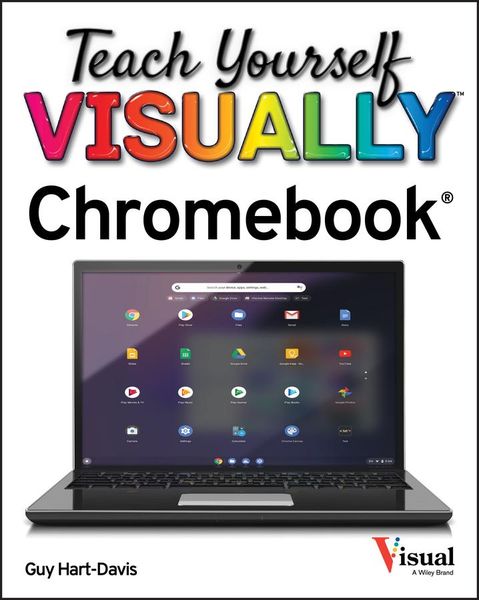
Designed for ease of use and portable functionality, Chromebook is the device of choice for children, teens, and adults alike. Learn to setup and use your new Chromebook by configuring essential settings and connecting external devices.
When you first open your Chromebook, you'll see several app icons sitting at the bottom of the screen. This area is called the Shelf, and it mimics the Windows taskbar. The Chrome OS Shelf shows which apps are running and provides an easy way to launch apps. To make the Chromebook your own you'll want to add your commonly used apps to the Shelf, and remove the ones you don't use.
This guide will also teach you tips and tricks for how to share content with others from your Chromebook and how to download, run, and manage your applications!
Chromebook is designed to be one of the most feature-rich and user-friendly solutions that allows users the portable functionality of a laptop and tablet running Chrome OS with the ability to run Android apps and Linux desktop apps.
* Get started with Chromebook with over 800 full-color images
* Master ChromeOS and get up and running in no time
* Personalize your desktop background
Noch keine Bewertungen vorhanden
Verfassen Sie die erste Bewertung zu diesem Artikel
Helfen Sie anderen Kundinnen und Kunden durch Ihre Meinung.
Kurze Frage zu unserer Seite
Vielen Dank für Ihr Feedback
Wir nutzen Ihr Feedback, um unsere Produktseiten zu verbessern. Bitte haben Sie Verständnis, dass wir Ihnen keine Rückmeldung geben können. Falls Sie Kontakt mit uns aufnehmen möchten, können Sie sich aber gerne an unseren Kund*innenservice wenden.
zum Kundenservice